CleanUp
Crop what doesn't belong, before it reaches production.
CleanUp removes or trims vectors, images and text that fall outside the area you define — a bounding box or a contour with curves and holes — right inside the job.
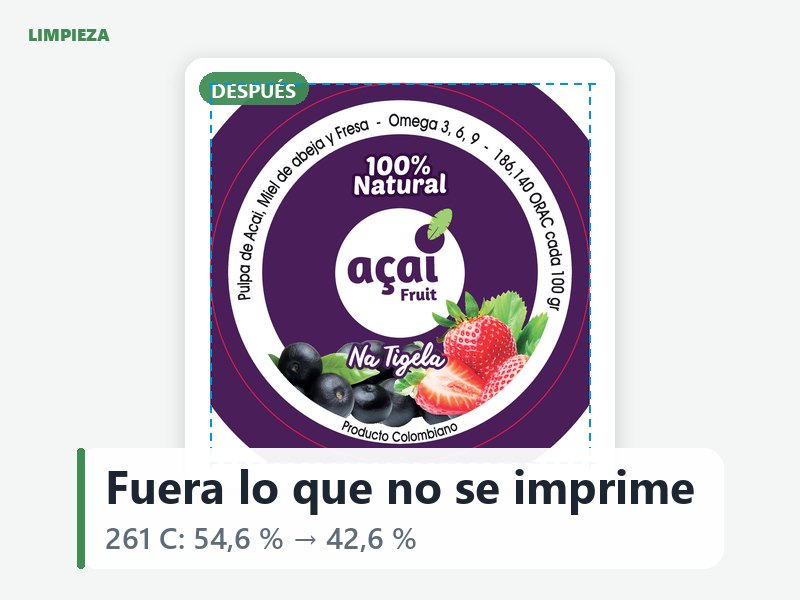
- Removes or crops everything outside the box or contour you choose — vectors, images and text alike.
- Works against a single target region: a bounding box, or a contour with curves and holes.
- Respects image masks correctly when cropping, so clipped images don't lose their transparency.
- Runs right after Preflight Fix and before Trapping, inside the same job.
Part of Nala's Prepress Automation suite, alongside Ink Remap, InkSmart, Preflight Fix and Trapping. See the full suite →
Every operation stays part of the Job.
Ink Remap, InkSmart, Preflight Fix, Trapping and CleanUp are optional — apply what a job needs, skip what it doesn't. Whatever runs (or doesn't) is recorded in that job's traceability, the same way Nala already tracks specifications, approvals and production output.